
Scroll Versions 4.8.9 brings a handy improvement to how conversion progress to Scroll Content Manager is displayed.
In the past, when you started a conversion, the progress of the conversion was shown in a pop-up window. That worked fine as long as you kept the tab open and your Confluence connection stayed active. But if either of those things changed, a dropped connection, an accidentally closed tab, a browser refresh, the pop-up was gone, and so was your visibility into the conversion status.
The only workaround was to check progress through the support resource API directly in the browser, which wasn't exactly convenient experience.
What's Changed
You can now check on a running conversion at any time. Simply navigate back to the Convert to Scroll Content Manager view and the progress bar will be right there, reflecting the current status of your conversion.
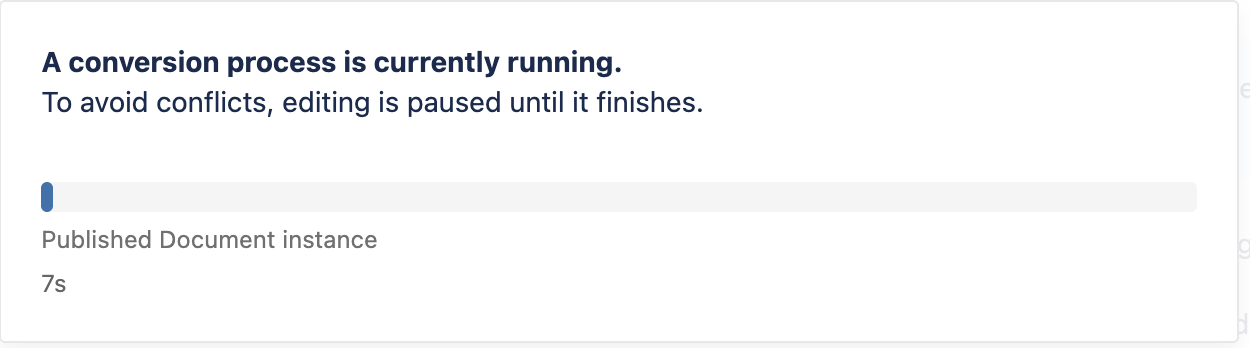
Especially large conversions can take a while. You shouldn't need to keep a tab open just to stay up to date on your conversion. This change gives you the freedom to navigate away and come back without losing track of what's happening.